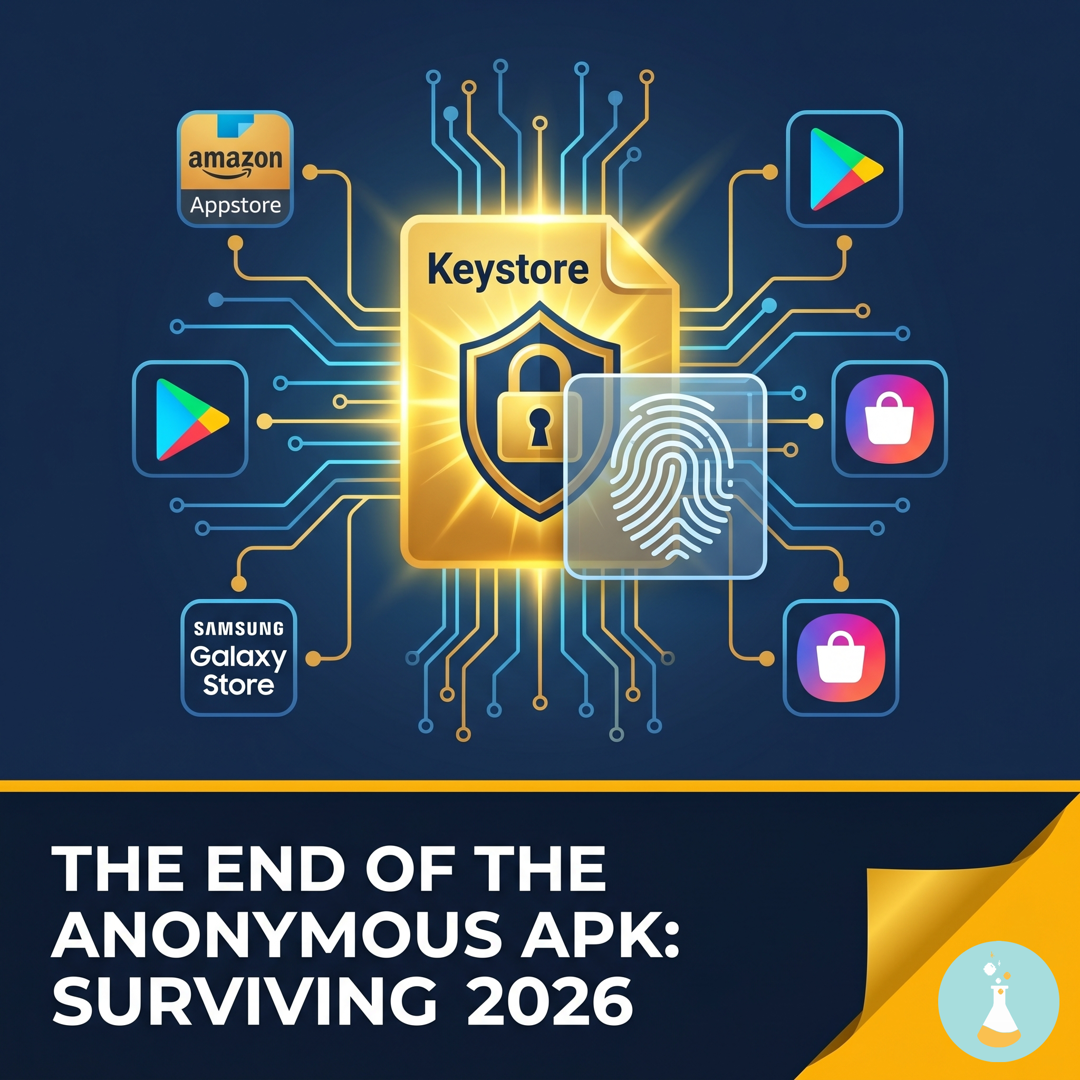
The End of Anonymous APKs: Surviving the 2026 Android Developer Verification
Starting September 2026, the Android ecosystem shifts from a “Package-first” model to a “Developer-first” model. This is an OS-level gatekeeper: if a developer isn’t verified, the device will block the installation.
However, many developers are currently facing a legacy headache: the same game published with different keystores across different stores. If you are in this “puzle,” you aren’t alone, and it isn’t the end of the world—but you need a plan.
1. The Legal Fix: Declaring “Additional Keys”
Normally, Google requires a unified signature to verify ownership. Fortunately, the new verification protocol acknowledges that developers have historically used different keys for Amazon, Samsung, or direct APK distribution.
The Solution: Within the new Android Developer Verification section of your Play Console, Google has introduced a critical feature: “Add additional keys for apps used outside of Google Play.”
- Action: You must upload the public certificate information (not the private key itself) of the signatures you use on other platforms. The SHA-256 Fingerprint (e.g.
EE:AF:E5:13:95:A8:12:35:E3:7A:91:63:F5:94:02:4A:64:94:56:06:95:21:40:99:99:A8:26:0D:37:FA:49:73) is the 32-pair hexadecimal string Google is asking for. It is a cryptographic “photo” or public identifier of your .jks. You provide this hash to Google so that when an Android device inspects an APK from Amazon, it can say: “Yes, the hash of this APK matches the verified developer’s profile.” - Result: Google “learns” that these disparate signatures belong to the same verified legal entity. This satisfies the 2026 legal requirement and prevents your non-Google Play versions from being flagged as “Unverified.”
2. The Technical Friction (The Problem Google Can’t Fix)
While the “Additional Keys” declaration solves your legal status, it does not solve the OS-level technical conflict. For a user’s phone, two different signatures still mean two different apps.
- Installation Conflicts: If a player has the Amazon version and tries to install a “sale” version from Google Play, the installation will fail. They must uninstall the existing app, losing all local save data.
- Maintenance Overhead: You are now locked into a double-build pipeline. Every update requires two separate compilations with two different
.jksfiles. This is a high-risk zone for human error during deployment.
3. The Three Paths: Strategic Decision Making
How you handle your current portfolio depends on your scale:
| Scenario | Recommended Strategy | Impact |
|---|---|---|
| New or Small Games | Unify Immediately. Pick one key (ideally the Google Play key) and force the change on other stores. | High short-term friction, but eliminates lifetime maintenance debt. |
| Established/Large Games | Stay Split. Do not change the keys; it will break the game for thousands of users. | Use the “Additional Keys” declaration to stay legally safe while accepting the dual-maintenance burden. |
| Future Projects | The Unique Key. Use one single Keystore from Day 1 for every store and every build. | Zero friction. Identity sovereignty is established from the first commit. |
Summary: Legal Safety vs. Technical Burden
If you act now, you can achieve Legal Safety. By telling Google, “This is my Key A and this is my Key B, and both belong to me,” you protect your apps from being blocked by the Android OS in 2026.
However, you must accept the Technical Burden. For legacy games with split signatures, you are now a “dual-key manager” for the remainder of that game’s lifecycle. For all future projects, consistency is your only defense against this complexity.
Pro-Tip for Your Next Project: Start with one Keystore. In the 2026 era, your signature isn’t just code—it’s your corporate ID.
Oficial Android Developer Verification Guide: https://developer.android.com/developer-verification
See you in the next digital spell!